Back to Daily Feed 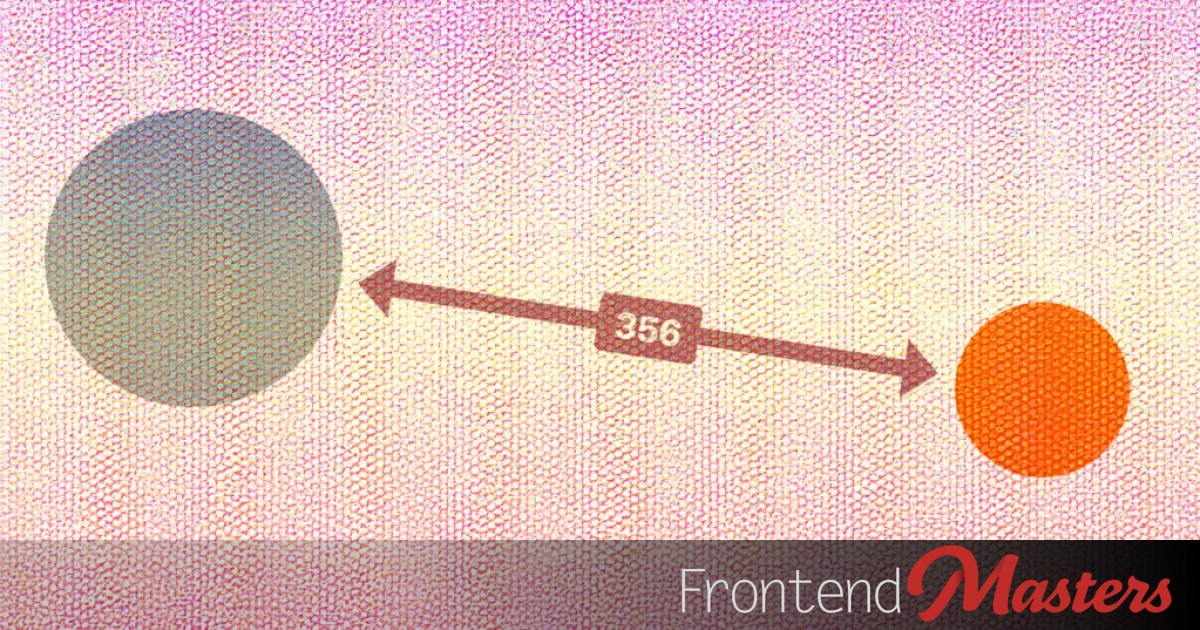
CSS Anchor Positioning: Two Circles, One Arrow
Worth Reading
Originally published on Frontend Masters Blog
View Original Article
Share this article:
Summary & Key Takeaways
- Frontend Masters tackles the challenge of drawing a dynamic line with arrows between two arbitrary elements using only CSS.
- The article demonstrates how to measure and display the distance between these elements.
- This advanced CSS tutorial showcases the capabilities of new features like anchor positioning for complex layout problems.
Our Commentary
Anchor positioning is the CSS primitive that was missing for this class of problems. Before it, connecting two arbitrary elements with a line meant reaching for JS libraries like Floating UI or Popper. The fact that you can do the positioning, the arrow, and the distance label in CSS alone is a signal that the platform is genuinely catching up to what JS has been doing for years.
View Original Article
Share this article: