Back to Daily Feed 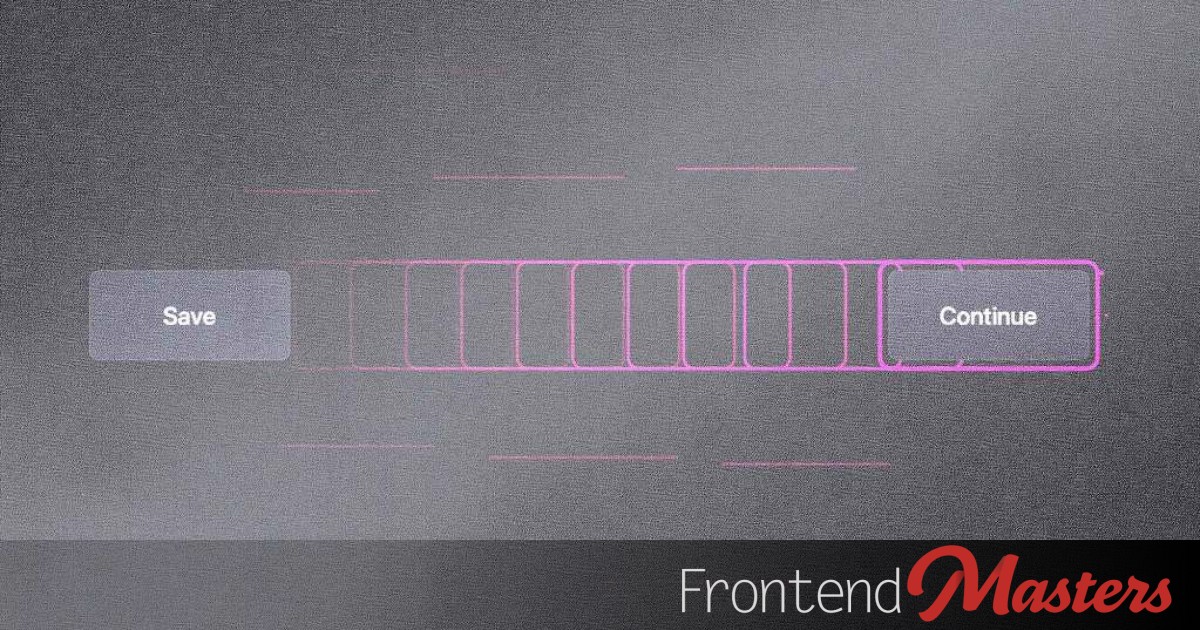
Animating Focus Rings with CSS View Transitions for Enhanced UX
Must Read
Originally published on Frontend Masters Blog
View Original Article
Share this article:
Summary & Key Takeaways
- The article presents a novel method for animating focus rings on web pages.
- It utilizes the new CSS View Transitions API to create dynamic "flying focus" effects.
- The key advantage is letting View Transitions automatically handle element positioning and animation, reducing manual calculations.
- This approach significantly enhances the user experience by making focus changes smoother and more visually engaging.
- It also contributes to improved accessibility by making keyboard navigation more apparent and pleasant.
Our Commentary
View Transitions are a game-changer for web animations, and this application to focus rings is brilliant. We've all seen the jarring default focus outlines, and while functional, they rarely contribute to a polished user experience. Using View Transitions to create "flying focus" is not just aesthetically pleasing; it's a huge win for accessibility.
It's exciting to see developers leveraging new browser capabilities to solve long-standing UX and accessibility challenges in elegant ways. This article perfectly demonstrates how a powerful new web-platform feature can be applied creatively to make the web a better place for everyone. We're definitely adding this to our toolkit.
View Original Article
Share this article: